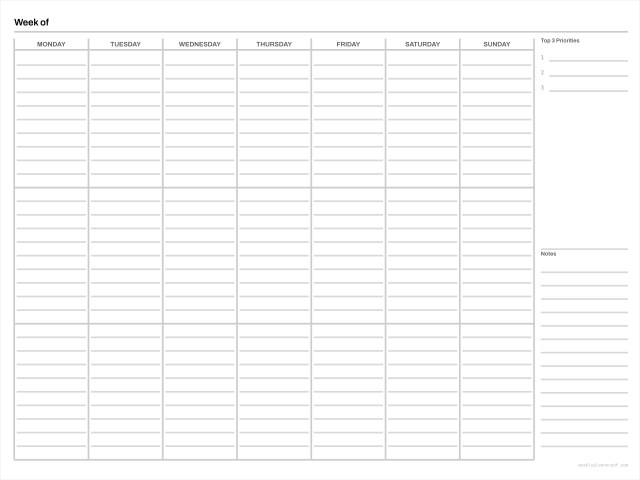
Hyperlinked weekly planner for tablet apps
The same hyperlinked file, with the import steps and the read-only setting that trips most people up on their first try.
No signup. No email. No watermark. No limits.
- Page box
- 381 x 285.8 mm 1080 x 810 pt
- Margins
- 12.7 mm all sides
- Colour
- DeviceGray, rules at 20% K
- Scaling
- Prints at 100%, Actual size preset
- Links
- Internal page links, tab rail and outline
Other versions: Sunday start, 2-up and trim-mark sheets
Digital (tablet)
Importing it
Download the PDF, then open it in your notes app rather than in a PDF reader. In Goodnotes that is Import, then choosing the file; it becomes a document you can write on with the original pages as the background.
The single most common problem people hit next is that tapping a tab draws a mark instead of navigating. That is not a broken file. In Goodnotes, links only follow when the document is in read-only mode, or when you long-press with a finger. An Apple Pencil tap will always draw.
Why free hyperlinked planners are rare
Because hyperlinking is what the paid market sells. It is the highest-value word in almost every paid listing title, and broken links are the most commonly cited reason those listings get poor reviews. Building the links by hand across a year is genuinely laborious: a fifty-page planner with fifteen tabs is 750 links, and a two-hundred-page dated one is over three thousand.
Ours are generated by code, which is why we can give them away. The year edition has over nine hundred link annotations and takes about a second to build.
Compatibility
This is a standard PDF. It imports into Goodnotes, Notability, Noteshelf, Samsung Notes, OneNote and any reader that opens a PDF. Link behaviour varies by app and platform, which is documented on the digital planner page, and every page carries a visible week number so navigation never depends on a tap working.
Also known as
This layout is searched for under several names, and they all describe the same file: hyperlinked planner pdf, tabbed digital planner free, tablet weekly planner with links. One page, one grid.
Related
- Digital weekly planner ipad
The technical detail: page size, safe zones, e-ink
- Import planner pdf into a notes app
The full walkthrough, app by app