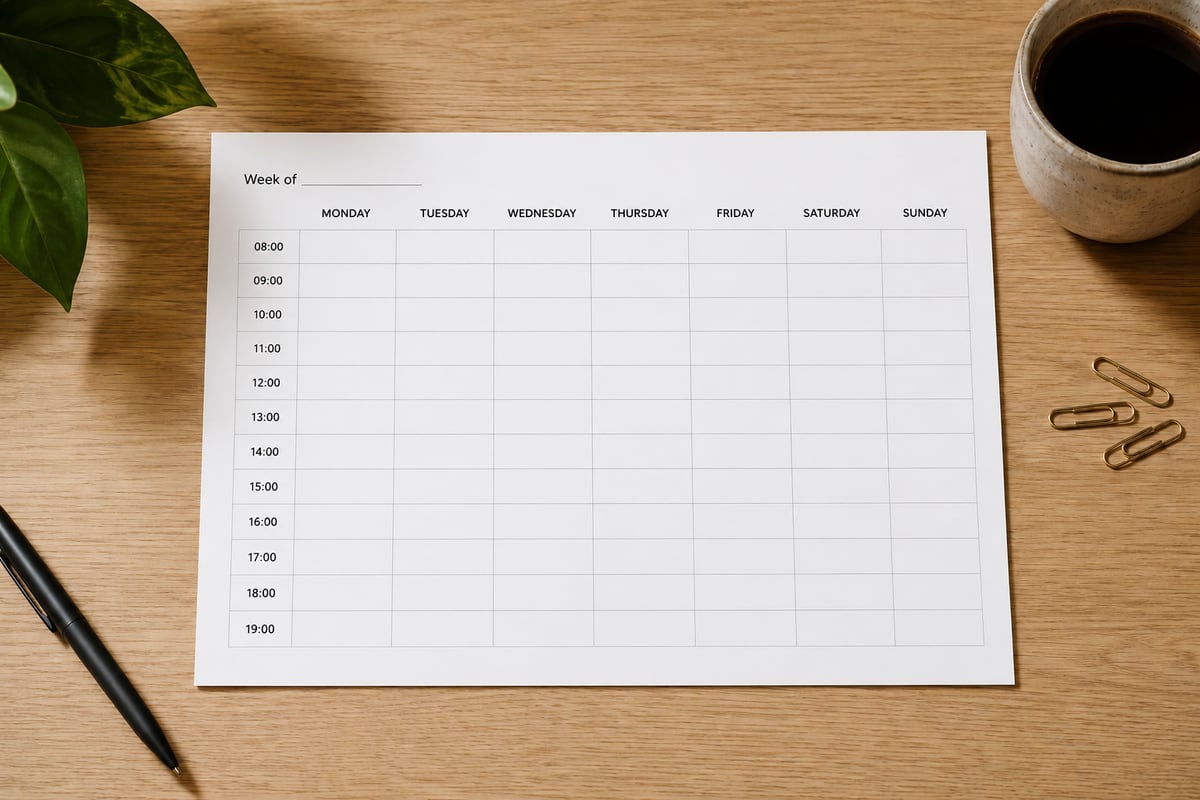
Weekly planners that print at the right size
Every layout drawn separately for Letter, A4, A5 and Half Letter, never scaled from one master. Download and print in under a minute.
No signup. No email. No watermark. No limits.
Sixteen free weekly planner PDFs were downloaded and inspected while building this site. Every one of them was US Letter, including the ones whose pages mention A4. That is the whole reason this exists.
Layouts
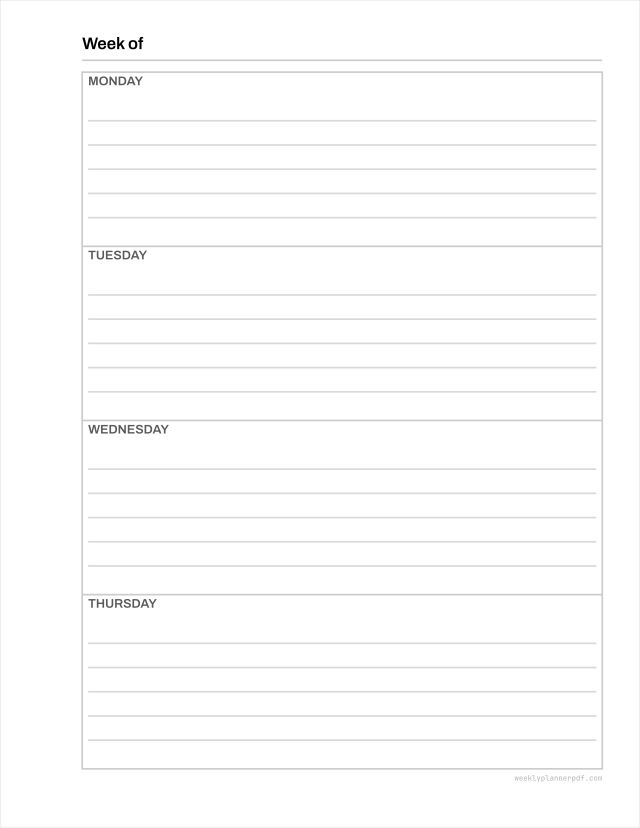
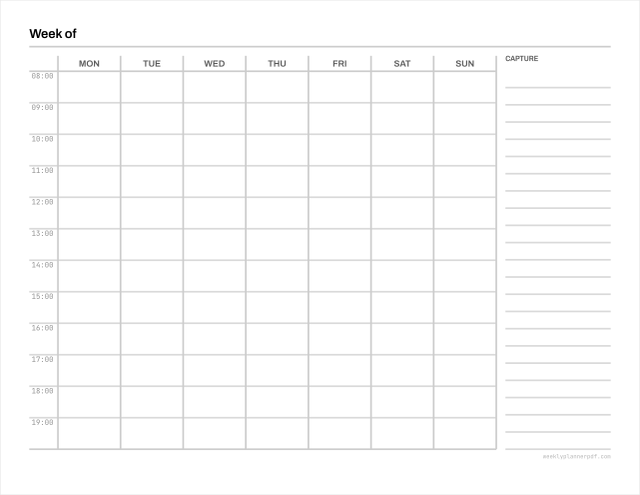
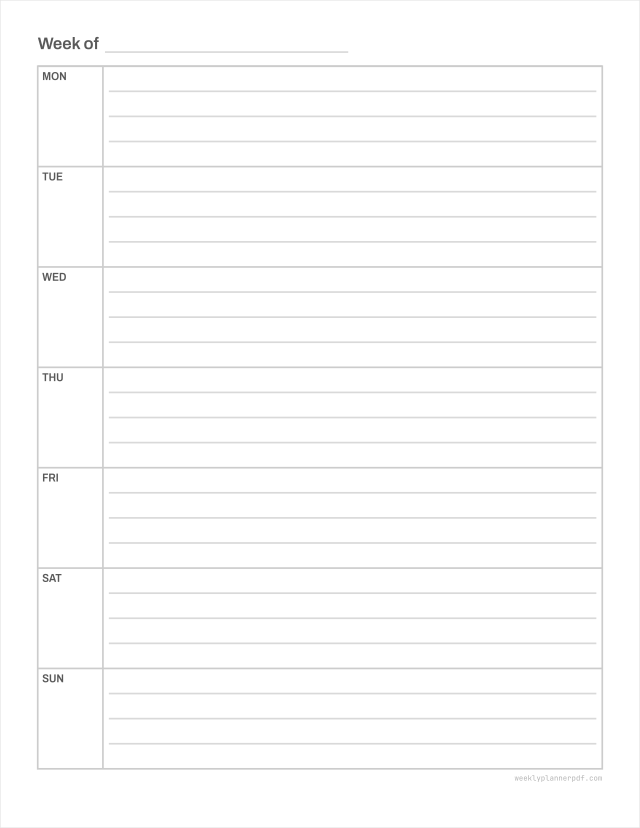
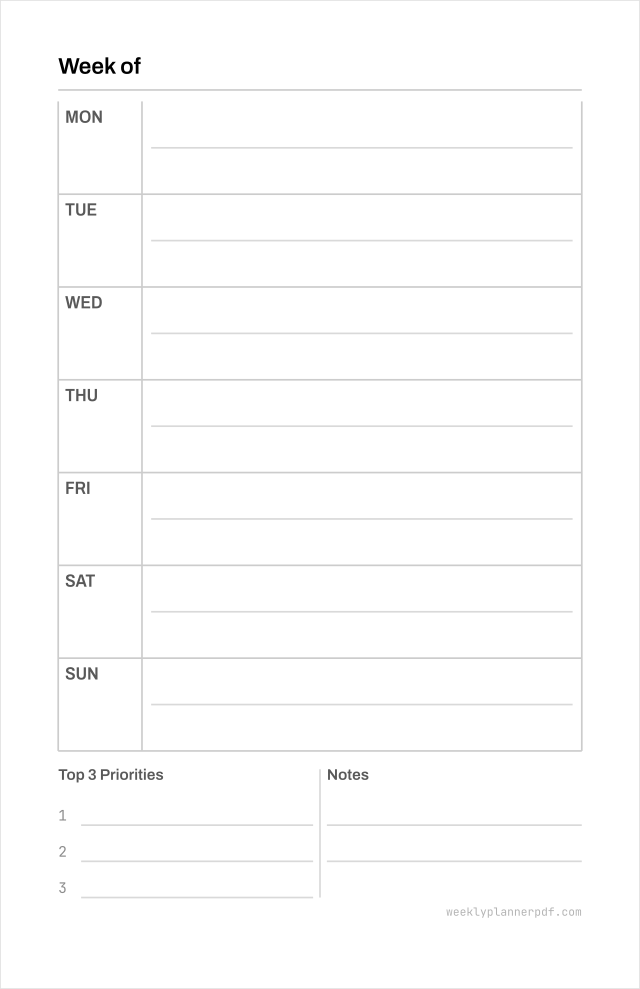
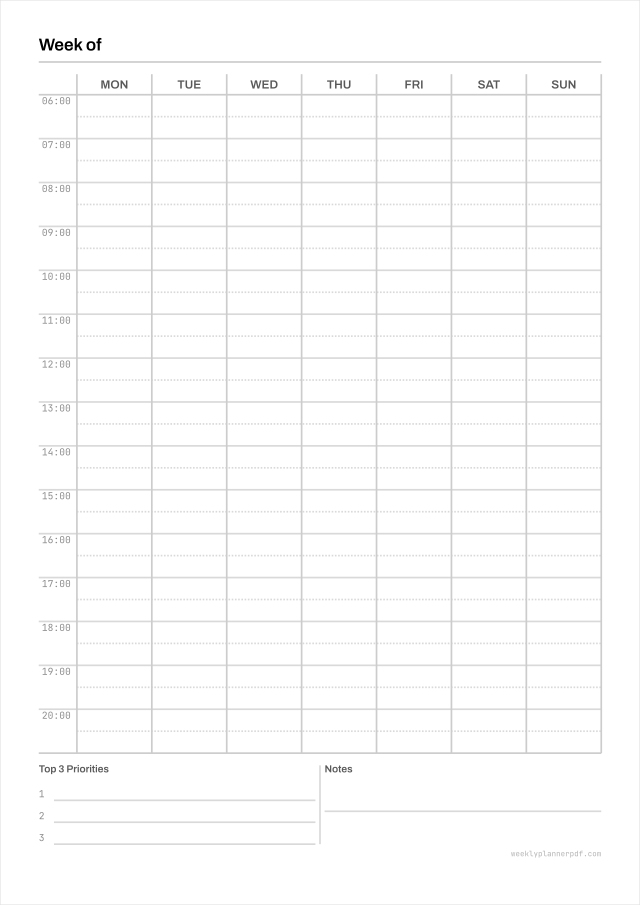
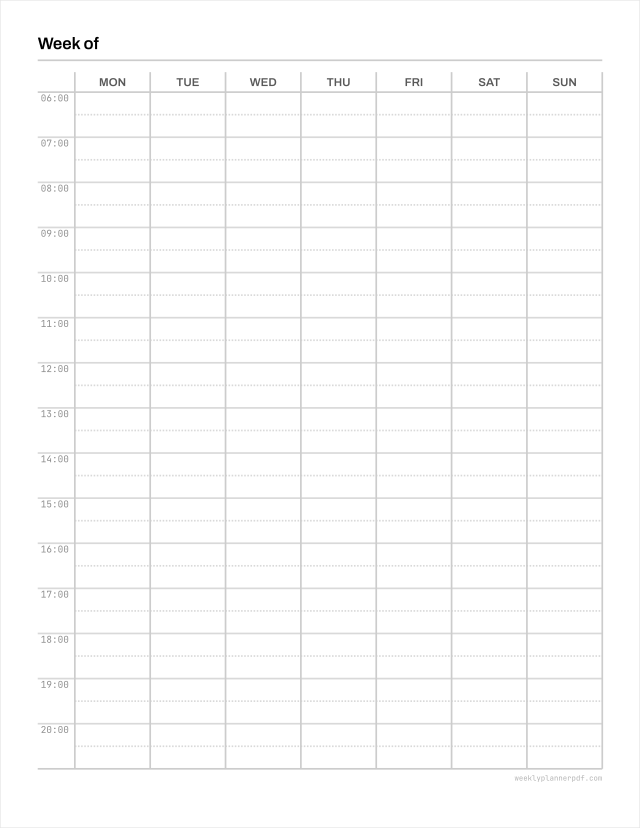
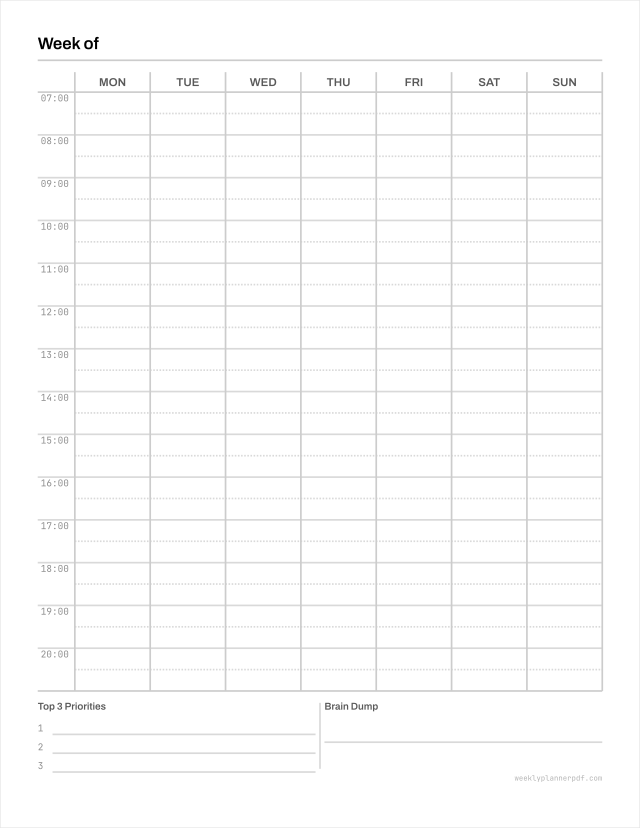
Six shapes of week. Which one suits you depends on whether your week is made of appointments or of things to get done.
Paper sizes
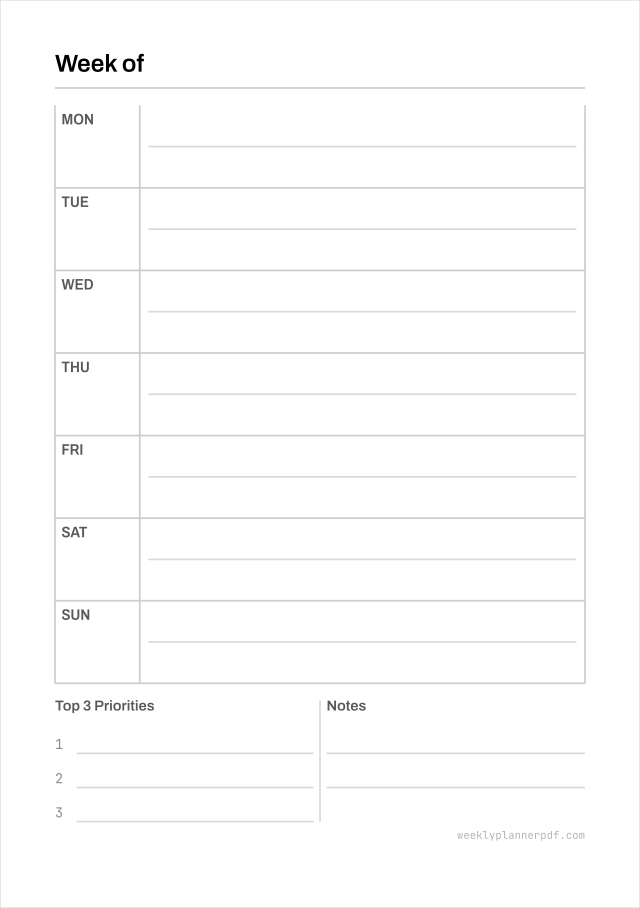
Each size is laid out for itself. A5 is 148 x 210 mm because that is what A5 is, not because a Letter file was shrunk to 65% and the writing lines went with it.
By what you are planning
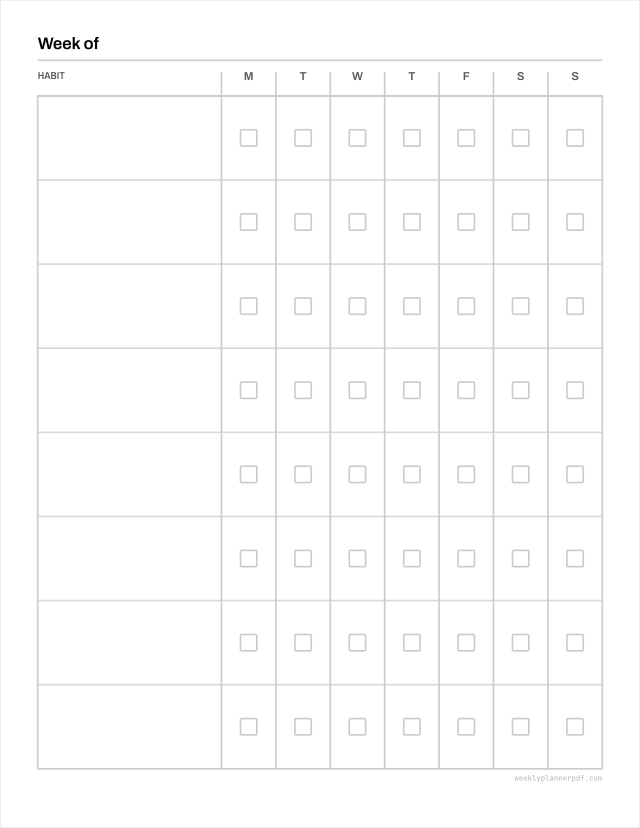
Each of these is a different grid rather than the same grid with a different heading.
Dated planners
Full-year files with every week already dated, plus month overviews and a hyperlinked tablet edition.
What you get
- True page geometry
- Letter 612 x 792 pt, A4 595.28 x 841.89 pt, A5 419.53 x 595.28 pt, Half Letter 396 x 612 pt. Each laid out separately, never scaled.
- Prints at 100%
- Every file presets Actual size in the print dialog, which is the single most common reason a planner comes out the wrong size.
- Room to write
- 7.5 mm writing rows, above the college-ruled standard. No file ships below the 6.35 mm handwriting floor at any size.
- Real vector, small files
- Pure vector with embedded open-licence fonts. 1574 files averaging 12.1 KB, so nothing takes a minute to download or an age to spool.
- Yours to hand out
- Print as many as you like and give them to students, clients or staff. No attribution required, no logo on the page. Read the licence.
- Hyperlinked tablet editions
- Working page links and a tab rail, at the right page size for annotation apps.See the digital planners.
About this free weekly planner PDF library
What you are downloading
Every file on this site is a weekly planner PDF: one vector document, sized for one specific sheet of paper, that prints at 100% and gives you a full week to write on. There are 1574of them ready to download, and each one is a free printable weekly planner in the plain sense of the phrase. You click, the file downloads, you print it. There is no account to make, no email address to hand over, no watermark across the page and no cap on how many copies you run. That last part is the point of the whole exercise. A free weekly planner template that stamps someone else's logo on your desk is not really free; it is advertising you are paying ink to print.
Why every paper size is drawn separately
Sixteen competing free weekly planner PDFs were downloaded and inspected at the byte level while this site was being built. Every single one had a page box of 612 by 792 points, which is US Letter, including the ones whose own printing instructions mention A4. That matters more than it sounds. Printing a Letter file onto A4 means rescaling it, which moves your margins; shrinking one to A5 takes a 7.5 mm writing line down to roughly 4.9 mm, which is below the height most adults can write in legibly. So here, Letter, A4, A5 and Half Letter are four separate layouts rather than one master and a scale factor. The A5 weekly planner printable is drawn at 419.53 by 595.28 points because that is what A5 is.
The layouts, and which week each one suits
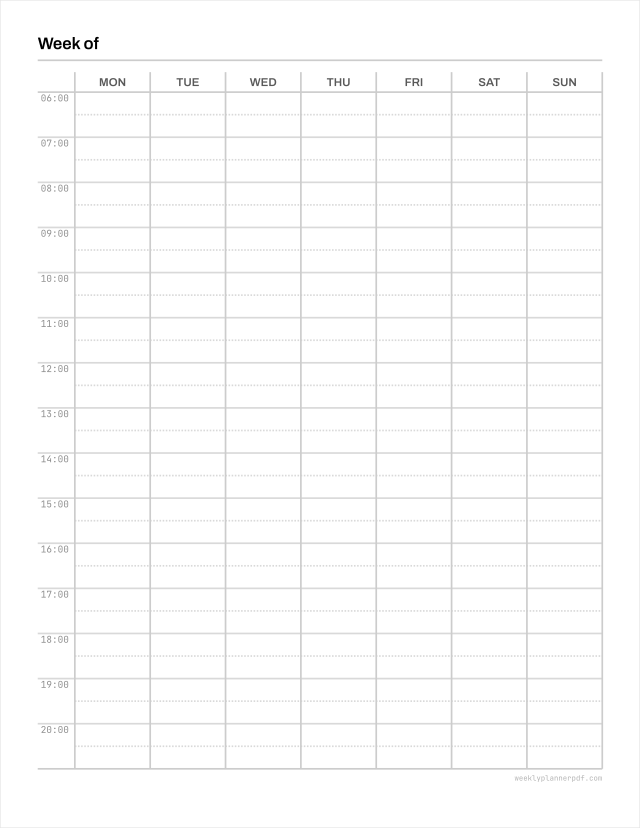
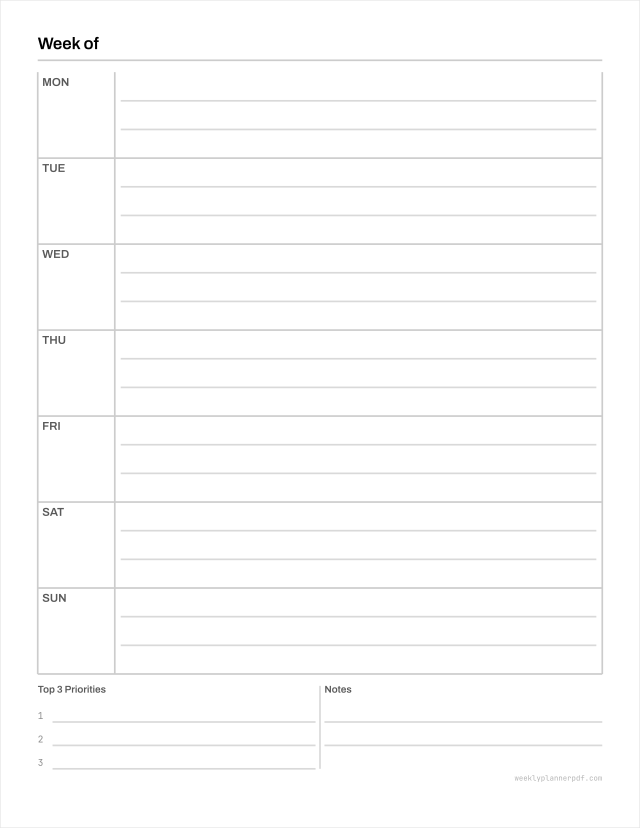
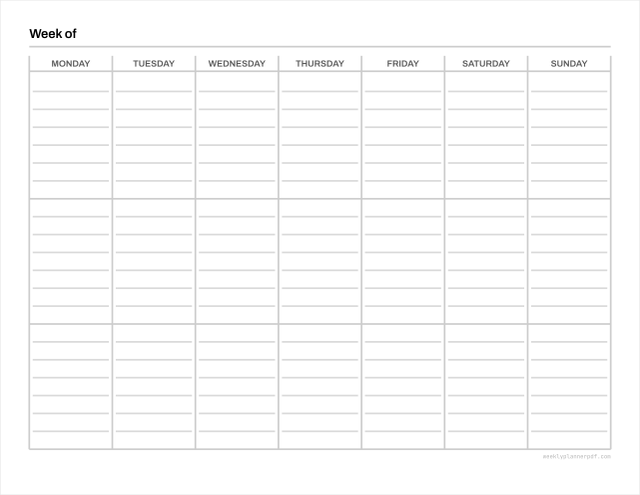
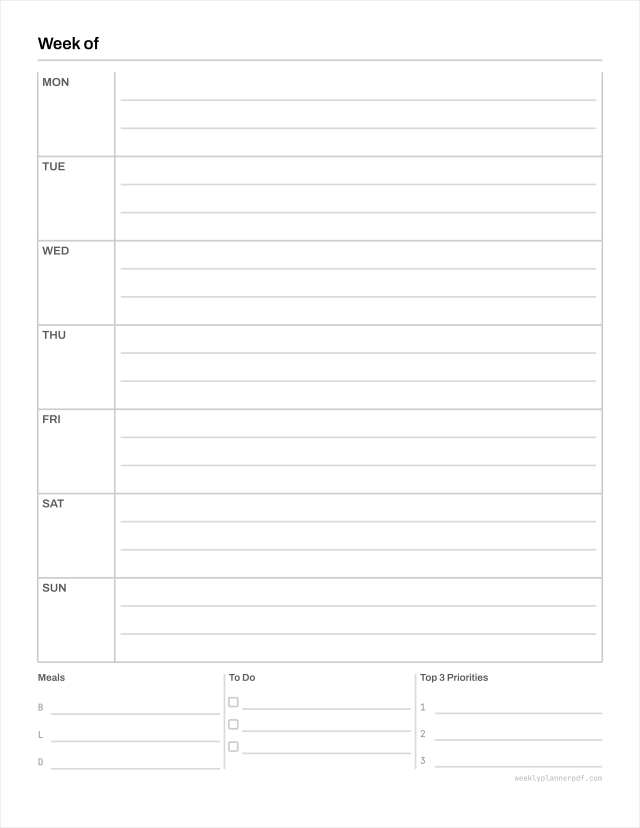
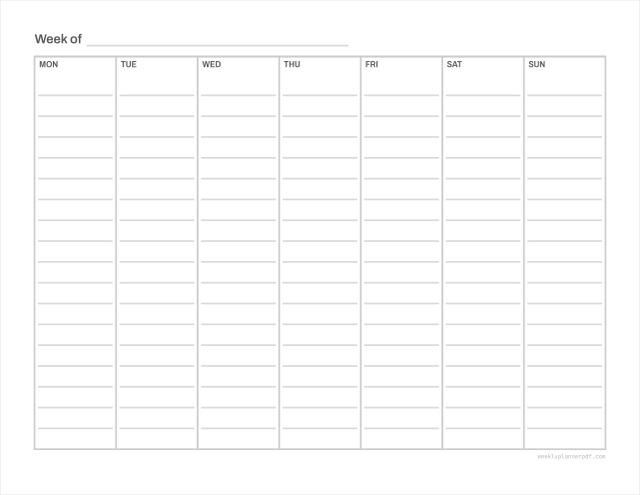
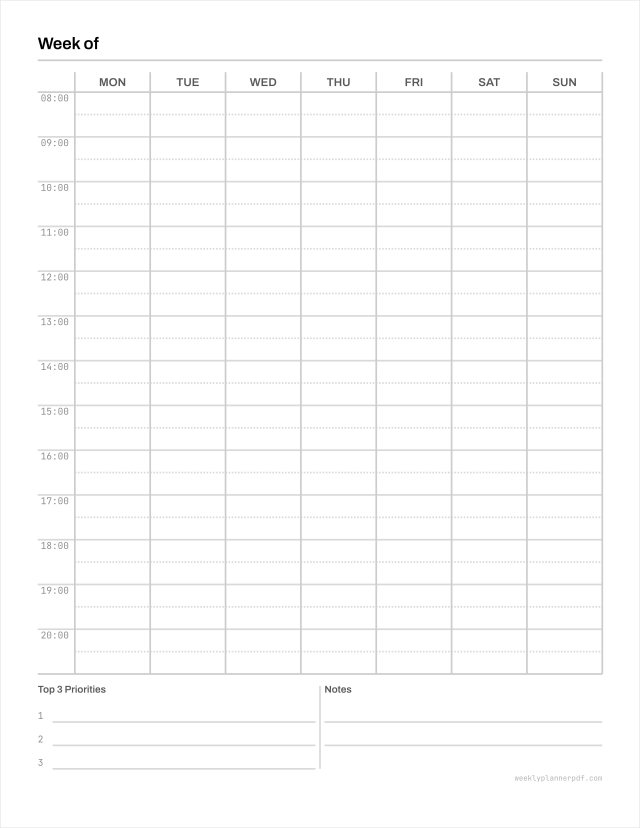
Which weekly planner template suits you depends on what your week is made of. If it is appointments, take the hourly grid: seven day columns against a time axis, which is the classic 7 day weekly planner printable PDF and the one most people picture. If your week is a list of things to finish, the horizontal layout gives each day a full-width row and the longest writing lines available on the sheet. The vertical weekly planner splits every day into three boxes, which works for morning, afternoon and evening, or for work, home and personal. The two-page spread gives six to seven lines a day across an opening. Time blocking pairs an hour grid with a capture column for everything that arrives mid-week. And the blank weekly planner has no dates, no times and no printed labels, for people who want the structure without the assumptions.
Dated, undated, and the 2027 planners
A dated file saves you writing the date in fifty-two times a year; an undated one never expires. Both exist here, because the choice is genuinely a matter of how you work. The 2027 weekly planner set has every week already dated, in Monday-start and Sunday-start versions, as single weeks or as a full-year document with month overviews in front. Academic years run August to July, for people whose year does not begin in January. The undated weekly planner is the same grid with the date boxes left empty, and it is the one to print in bulk: it is as useful in October as in January, starting in the middle of a year wastes nothing, and it does not turn into scrap paper on the last day of December.
A weekly planner online, with nothing to install
If none of the ready-made files is quite right, the generator is a weekly planner online: pick a layout, a paper size, a week start, an hour range and which side sections you want, and it draws the sheet in front of you as you change things. It runs entirely inside the browser tab. Nothing you configure is uploaded, because there is no server here to upload it to, and that is also why there is no weekly planner app to download and no sign-in screen to get past. The whole site is static files plus a piece of code that runs on your machine. For tablets there are hyperlinked editions with working page links and a tab rail, at the page sizes annotation apps expect.
Printing, and the one setting that causes most problems
Nearly every complaint about a planner printing at the wrong size comes down to a single dropdown. If your print dialog is set to Fit to page, or Shrink oversized pages, it will resize the sheet and your margins go with it. Set it to Actual size, or 100%, or None, depending on which dialog you are looking at. Every file here presets that, so in most cases it is already correct before you touch anything. The other constraint is the hardware: no home inkjet or laser printer puts ink right to the paper edge, so every layout keeps its content inside a 12.7 mm margin. That is re-checked by code on every build, across every supported size and layout combination, rather than assumed to still be true.
The measurements, in case they matter to you
The numbers are published because they are the argument. Writing rows are 7.5 mm, wider than the 7.1 mm college-ruled standard and comfortably clear of the 6.35 mm narrow-ruled floor; no file ships below that floor at any size, and when a combination cannot fit legibly the build fails instead of shipping something cramped. Rules print at 20% grey, so they guide handwriting rather than compete with it. Fonts are embedded open-licence faces, not the base-14 substitutes that make a PDF render differently on every machine, which is a real fault in several of the files this site was measured against. Everything is vector, so it stays sharp at 300 dpi or at 1200.
What it costs, and what you may do with the files
Nothing, and a great deal. Every weekly planner printable PDF free on this site is free in both senses: no payment, and no restriction worth the name. Print as many copies as you want. Use them at work. Hand them to a class of thirty, to clients, to patients, or to everyone in your house. No attribution is required and there is no logo on the page to credit anyway. The only thing you may not do is resell or redistribute the PDF files themselves as a digital product, which is the line that keeps this a library rather than someone else's stock. The full terms are on thelicence page and they are short.
Common questions
What a weekly planner is, how to work one, how to choose between the layouts, and what these files will and will not do. Four of the answers are a straight no.
What is a weekly planner?
A weekly planner is a single sheet, or a facing pair of pages, that shows one whole week at once so you can see the shape of it before it starts. It differs from a daily page, which hides tomorrow, and from a monthly calendar, whose boxes are too small to write a real task in. The week is the useful unit: long enough to plan around, short enough to still be true by Wednesday.
How do you use a weekly planner?
Knowing how to use a weekly planner comes down to one habit: fill it in once, on the same day every week, before the week starts. Sunday evening and Monday morning both work; what matters is that it is a fixed appointment rather than something you get to when you can. Put the immovable commitments down first, then fit the work you chose around them, and leave one row deliberately empty for whatever arrives uninvited. To use a weekly planner effectively, keep it to one page and keep it somewhere you can see it. A planner in a drawer is a diary.
How do you make a weekly planner?
How to make a weekly planner splits three ways, in rising order of effort. Download one of the ready-made files here and print it. Use the generator, which lets you set the layout, paper size, week start, hour range and side sections, then writes the PDF on your own device. Or rule your own on blank paper, which is a perfectly good answer: seven columns, a margin down the left for times or notes, and rows tall enough to write in, meaning at least 7 mm.
How do you make a weekly planner in Excel?
You can, and the geometry is where it gets awkward. Excel measures row height in points and column width in characters of the default font, so there is no direct way to tell it a writing row should be 7.5 mm. Print output then passes through Fit to page scaling, which quietly resizes whatever you drew. If you do make a weekly planner in Excel, set the paper size and margins before you draw anything, turn scaling off, and check the printed sheet with a ruler rather than trusting the screen.
How do you make a weekly planner in Google Sheets?
The same problem with less to work with. Google Sheets offers fewer page setup controls than Excel, and its PDF export defaults to Letter paper, so a weekly planner made in Google Sheets often prints slightly wrong outside North America without anyone noticing why. If you build one, open the export dialog and set Paper size explicitly, set Margins to Custom, and switch Scale to Normal rather than Fit to width.
Do you have a Notion weekly planner template?
No. Everything here is a PDF built for paper and for annotation apps, and a Notion weekly planner template is a different product with a different job. Turning these layouts into database views would throw away the measured geometry, which is the only reason this site exists. If you want to make a weekly planner in Notion yourself, it is a database with a date property and a calendar or board view over it, and plenty of people publish those. What we do is the sheet you print.
Which is the best weekly planner layout?
The best weekly planner is the one whose shape matches your week. If your week is appointments, take the hourly grid. If it is a list of things to finish, take the horizontal layout, which gives you the longest writing lines on the page. If you think in parts of the day, the vertical weekly planner splits each day into three. Print two of them and use each for a week before deciding.
What is the best compact weekly planner?
Compact means A5 or Half Letter, and both are drawn here as their own layouts rather than as shrunk Letter files. A5 is 148 by 210 mm and Half Letter is 140 by 216 mm, so either fits a small bag and a six-ring or disc binder. The thing to check in any compact weekly planner is the writing row height. Below roughly 6.35 mm you cannot write in it comfortably, and scaling a full-size planner down to fit is exactly how a row ends up there.
What is the top-rated minimalist weekly planner?
We are not going to claim a rating nobody awarded us. What can be said is that these sheets are minimal on purpose: rules printed at 20% grey instead of black boxes, one typeface, no motivational quote, and no decorative header eating a third of the page. If a minimalist weekly planner means everything on the sheet is either a line you write on or a label you need, that is the entire design brief here.
What is the most durable weekly planner?
Durability is not a property of the planner. It is a property of the paper and the binding, and printing your own is the only route where you pick both. Print on 100 to 120 gsm stock rather than 80 gsm copier paper and the sheet survives being carried. Add a laminated cover and a disc or ring binder and it survives a term. A bound planner from a shop makes those choices for you and charges for them.
What is the best weekly planner refill?
A refill is what the organiser insert files are for. There are A5 six-ring inserts, Half Letter disc inserts and Classic disc inserts here, each drawn at the true insert size with the punch margin already clear of the printed rules. Print them, punch them, and drop them into the binder you already own. Buying a weekly planner refill every January is the recurring cost that printing your own removes.
What is the best weekly planner for students?
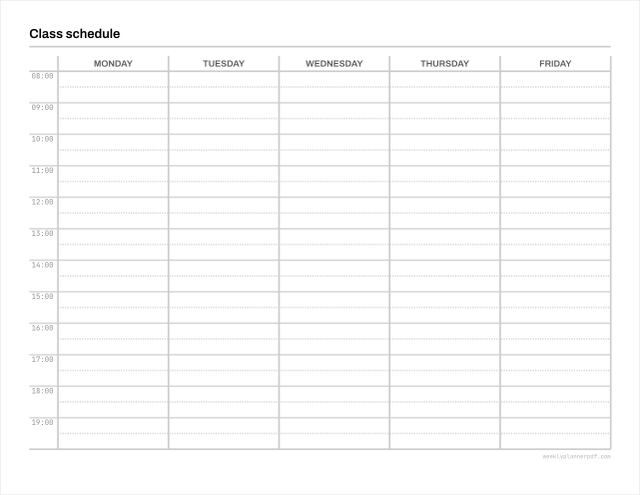
An academic-year file, because a student year begins in August or September rather than January. The academic planners here run August to July and are dated across that span. Beyond the dates, students need two things a general planner often lacks: somewhere to record what is due rather than only what is scheduled, and a grid that survives a timetable full of gaps. The class schedule and homework layouts cover both, and there is a guide on weekly planning for students in the guides.
Which weekly planner helps balance work and life?
The vertical layout, because it is the one that separates them on the page. Each day is split into three boxes, most often used as work, home and personal, or as morning, afternoon and evening. An empty personal box staring at you on a Thursday is more useful than one long undifferentiated list in which the work items quietly take every line. The horizontal layout deliberately does the opposite and pools each day into a single row.
Do you have an at a glance weekly planner on one page?
Yes. Every single-page layout here shows the whole week at a glance, seven days on one sheet with nothing to turn over. If you want more writing room than one page allows, the two-page spread gives six to seven lines a day across an opening instead.
Can I get a 7 day weekly planner printable PDF?
All of them are. Every grid on this site runs a full seven days, Monday to Sunday or Sunday to Saturday depending on the week start you choose. Neither weekend day is squeezed into a half-height box, which is a common shortcut and a poor one if you plan anything on a Saturday.
What is the difference between a dated and an undated weekly planner?
A dated file has the calendar dates already printed, so a 2026 weekly planner is ready to use and expires when the year does. An undated weekly planner leaves those boxes empty. Undated is the one to print in bulk: it is as useful in October as in January, and starting in the middle of a year wastes nothing.
Are these cute or decorative planners?
No. If you are looking for a printable cute weekly planner template with illustrations and pastel headers, these are not it. The sheets are deliberately plain: grey rules, one typeface, no ornament. That is a decision about ink cost, and about handwriting staying readable on top of the page rather than competing with it.
Is the weekly planner PDF really free?
Yes, and with no second step. Every sheet here is a weekly planner printable free of charge, free of a watermark and free of any cap on how often you print it. There is no account, no email address and no trial, and no paid tier holding the better layouts back, because there is no paid tier.
Is there a weekly planner app to install?
No, and there is nothing to install. The generator is a weekly planner online: it runs inside the browser tab you already have open, builds the PDF on your own device, and never uploads what you configure. If you want the file on a tablet, the hyperlinked editions open in any annotation app that reads PDF.
Will these print correctly on A4?
Yes, because the A4 files are drawn at A4. This is worth asking anywhere: most free weekly planner PDFs on the web are US Letter regardless of what the page says, which is why they need rescaling and lose their margins. Set your print dialog to Actual size rather than Fit to page and the sheet comes out at the size it was drawn.
Can I print these for my students, clients or staff?
Yes, without asking and without crediting anyone. Personal, classroom, clinical and commercial printing are all covered, in any quantity. The one restriction is that you may not resell or redistribute the PDF files themselves as a digital product. The licence page has the full text and it is short.